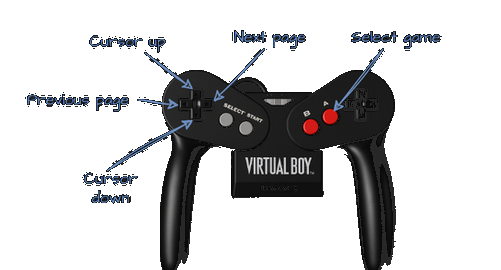
How it works

1. Build your library.

Make sure that uSD contains the following folders: _SYSTEM_, SAVE, GAMES.

_SYSTEM_

System folder used by the cartridge menu and file list.

SAVE

Save files are stored here. Files can also appear for games without save support; those files are not relevant.

GAMES

Your Virtual Boy ROM library goes here, with folder and subfolder support.

Copy your .vb files in GAMES folder (max two folder levels).
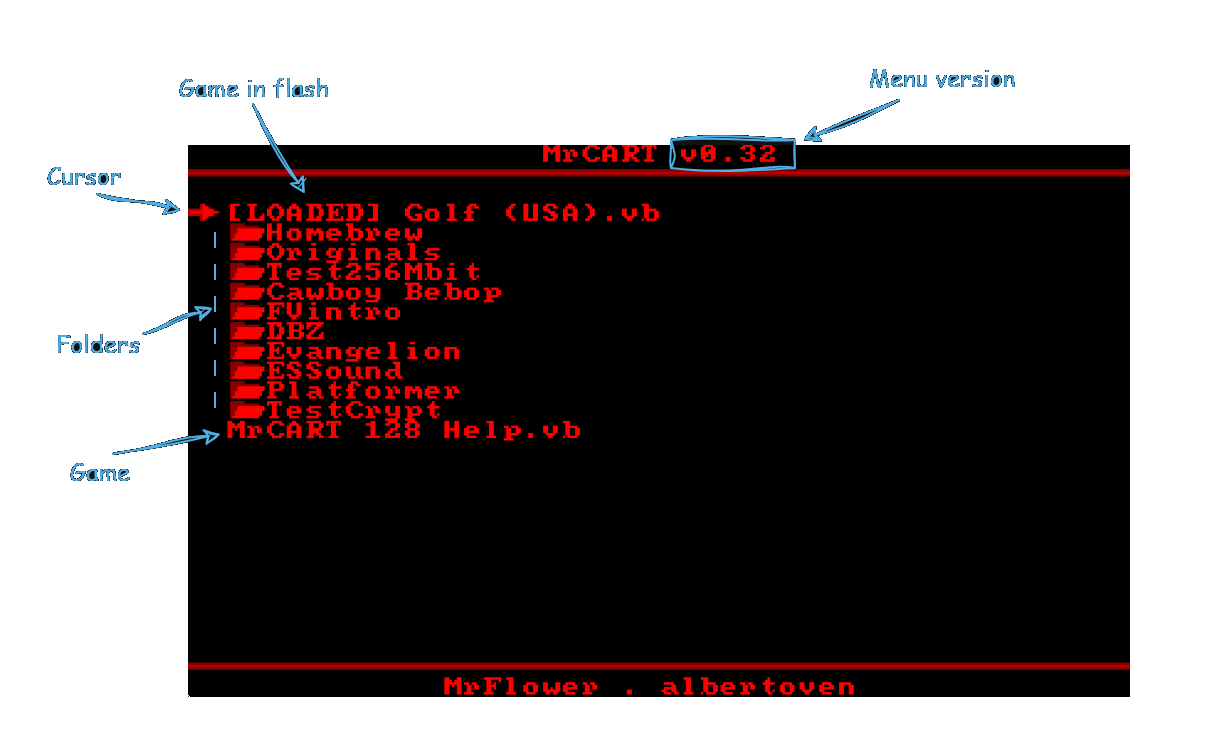
2. Menu.

3. Flashing and launch.

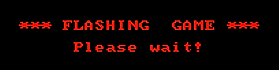
If it is the LOADED game, the game starts directly. Any other game will show:

Virtual Boy flashing game please wait screen

Flashing Times

ROM size MrCART MrCART 128
128 Mbit ROM - 90s
32 Mbit ROM 54s 18s
16 Mbit ROM 36s 12s

4. Firmware update.

There are two parts of MrCART 128 that can be updated:

  • ARM firmware
  • Menu

ARM firmware

01

Copy

Copy firmware_XX.bin to the uSD root.

02

Rename

Rename the file to firmware.bin.

03

Power on

Connect MrCART 128 to the Virtual Boy and power on.

04

Boot

The firmware updates and then the menu starts.

To confirm the update, check the uSD root for UPDATED.BIN.

Menu

To update the menu, replace _SYSTEM_/menu.bin with the new menu.bin, keeping the same file name.